StreamFab Review 2026: Features, Pricing, Risks & Better Alternatives
An honest, no-hype look at what StreamFab actually costs, what it does well, and the risks most reviews leave out.
What Is StreamFab?
If you’ve ever searched for a way to save streaming shows for offline viewing, you’ve probably run into StreamFab. It shows up everywhere: forums, review sites, YouTube comparisons. But before you spend nearly $280 on a lifetime license, it’s worth understanding exactly what you’re buying, what it can’t guarantee, and what the legal fine print actually says.
StreamFab is a video download and management tool built by DVDFab. It’s marketed as a way to save video from over 1,000 sites, including major VIP-tier streaming services like Netflix, Amazon Prime Video, Disney+, and Hulu, for offline storage.
In plain terms: it’s a downloader with a media library and organizer bolted on. The company positions it as a backup tool for content you already subscribe to, not a piracy tool, a distinction that matters more than it might seem.
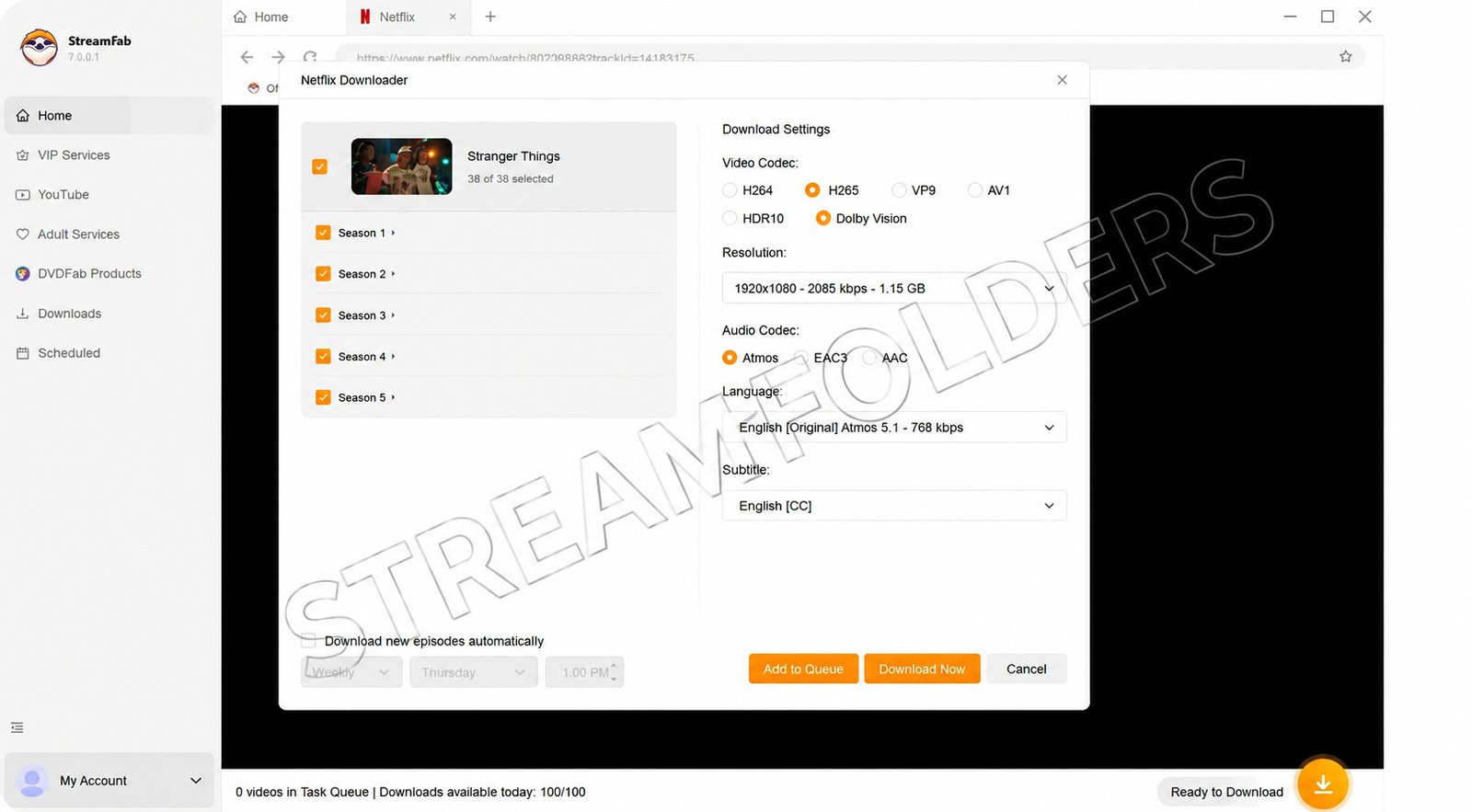
StreamFab’s Core Features
StreamFab is split into separate “downloader” modules, each targeting a different platform. You typically only pay for the modules you need.
| Feature | What It Does |
|---|---|
| Streaming Video Downloader | Saves videos from supported streaming platforms |
| Batch Downloading | Queues multiple titles at once |
| Built-in Media Player | Plays downloaded files without a third-party app |
| Metadata Editor | Organizes files by title, poster, and info |
| Multi-format Output | Exports in several common video formats |
| Subtitle & Audio Track Selection | Lets you choose language options before downloading |
One consistent theme in user reviews on G2 is that downloaded files can be poorly organized, with some users noting that videos sometimes get grouped incorrectly regardless of their original source, which is a small but real usability gap.
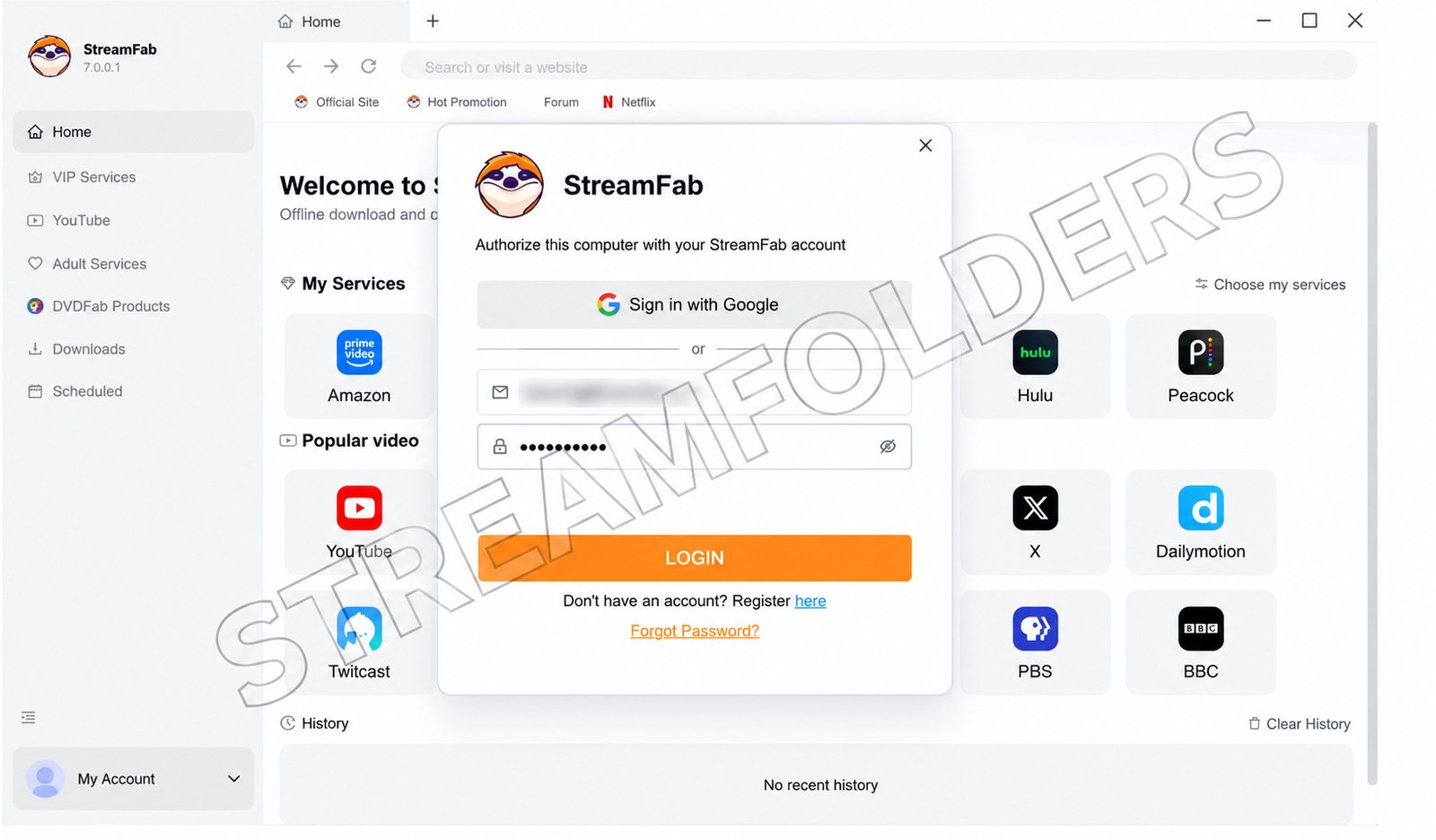
StreamFab Pricing: What Does It Actually Cost?
StreamFab uses a freemium model with tiered pricing depending on which platform modules you buy.
| Plan | Approximate Cost | What You Get |
|---|---|---|
| Free (YouTube only) | $0 | 720p YouTube downloads, no VIP platforms |
| Free Trial | $0 for 30 days | Full features, limited to 3 downloads per VIP service |
| Annual License | ~$169.99 | Full access, billed yearly |
| Lifetime License | ~$269–279.99 | One-time payment, ongoing access to current modules |
Two things worth knowing before you buy
- The trial is genuinely full-featured. According to StreamFab’s own site, the trial gives full access to every feature with no credit card or account registration required, so you can test quality before paying.
- “Lifetime” doesn’t mean everything, forever. Some reviewers report that under StreamFab’s “New Product Guarantee” policy, brand-new downloader modules released later aren’t automatically included in an existing lifetime license, and you may need to pay extra for them.
StreamFab Pros and Cons
✓ Pros
- Supports a large number of streaming and video sites in one app
- Free trial includes full feature access for testing
- Built-in player and library organization
- Subtitle and multi-language audio support
– Cons
- Full pricing is expensive compared to single-purpose downloaders
- Video quality isn’t guaranteed. Since major DRM updates in late 2025 and early 2026, downloads can unexpectedly drop from 1080p to 720p or lower
- Daily download caps apply per streaming provider
- Library organization can be inconsistent
- Violates the terms of service of most streaming platforms
Why StreamFab (and Tools Like It) Carry Real Risk
This is the part most reviews skip, and it’s the most important one.
Nearly every major streaming service prohibits downloading video outside its own app in its terms of service. Using a third-party tool to bypass DRM (the copy-protection built into streaming video) can violate not just those terms but, depending on your country, copyright law itself, including the DMCA in the United States.
That doesn’t mean you’ll face legal action for personal use. But it does mean:
- Your streaming account could be suspended or banned if detected
- Downloaded quality can degrade or break entirely after a platform updates its DRM
- You have no real recourse if the tool stops working for a service you’ve paid for
Is StreamFab Crack Safe to Use?
No. Searching for a cracked or pirated version of StreamFab is significantly riskier than using the paid version.
- Cracked installers are a common vector for malware, spyware, and adware
- You lose access to legitimate updates, meaning the tool breaks faster as platforms patch their DRM
- There’s no support, no refund, and no way to verify what else is bundled into the installer
If cost is the barrier, the 30-day full-feature trial is a safer way to evaluate the software than downloading a cracked copy from an unofficial source.
A Better Alternative: Official Offline Downloads
Here’s what most articles about StreamFab don’t mention clearly enough: you probably don’t need third-party software at all.
Every major streaming platform now has a built-in download feature for offline viewing:
- Open the show or movie in the platform’s own app (mobile or desktop)
- Look for the download icon (usually an arrow pointing down)
- Tap or click it, and the title downloads within the app itself
- Watch it offline anytime, with no account risk, no DRM workaround, and no quality gamble
This is slower to explain than “just use a downloader,” but it’s the one method that doesn’t put your account or device at risk. It’s also free, since it’s already part of the subscription you’re paying for.
StreamFab FAQ
Not fully. YouTube downloads are free at 720p, but access to VIP services like Netflix requires a paid license after the trial ends.
Yes, a 30-day trial with full feature access, limited to 3 downloads per streaming service.
Yes, StreamFab offers versions for both operating systems, though feature availability can vary slightly between them.
Using it typically violates the terms of service of streaming platforms, and DRM circumvention may breach copyright law depending on your country.
No. Cracked installers carry a high risk of malware and offer no legitimate support or updates.
No. Some users report downloads dropping to 720p or lower after platform DRM updates, with no fixed timeline for a fix.
Use the official download feature built into each streaming app. It’s free, safe, and doesn’t risk your account.
Final Verdict: Is StreamFab Worth It?
StreamFab is a capable piece of software with genuinely useful organizational features, and its free trial is a fair way to test it before spending money. But the real story is more complicated than most reviews let on: pricing can be steep, video quality isn’t guaranteed, and the entire category of tool operates in a legal gray area that most users never think about until something goes wrong.
If offline viewing is your actual goal, start with the download feature already built into your streaming app. It costs nothing extra, carries no account risk, and solves the problem StreamFab is trying to sell you a solution for.
This article is for informational purposes only and does not constitute legal advice. Streaming platform terms of service and copyright laws vary by country and are subject to change.
3 Responses