4K Stogram: The Complete Guide to Downloading Instagram Photos, Videos & Stories
Learn what 4K Stogram does, how to install and use it, what you can download, pricing, safety, legality, common problems, alternatives, and its current discontinued status.
If you’ve ever tried to save a friend’s Instagram post, a client’s Reel, or your own Story before it vanishes in 24 hours, you already know the platform doesn’t make it easy. That’s exactly the gap 4K Stogram was built to fill.
In this guide, we’ll walk through what 4K Stogram actually does, how to install and use it, what it costs, whether it’s safe and legal, and importantly its current support status, since that’s changed recently. By the end, you’ll know exactly whether it’s the right Instagram downloader for you, or whether you should look elsewhere.
What Is 4K Stogram?
4K Stogram is a desktop application that downloads Instagram photos, videos, Reels, Stories, and Highlights from public profiles, hashtags, and locations, and can back up your own account for offline access.
Unlike browser-based “paste a link” tools, it works more like a subscription manager: you add an Instagram username, hashtag, or location once, and the app keeps track of new content going forward.
How 4K Stogram Works
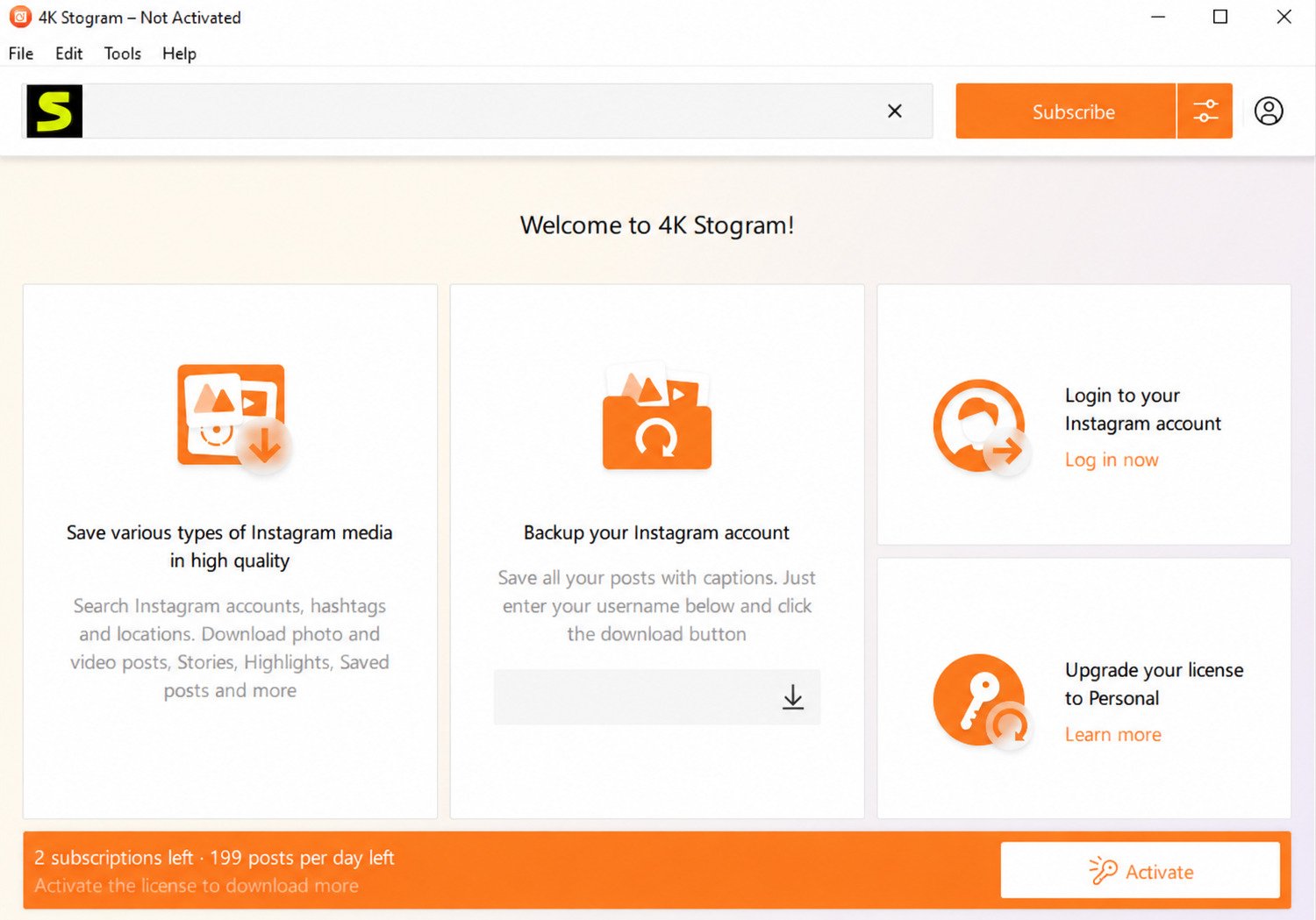
You enter a username, hashtag, or location into the app’s search bar, and 4K Stogram pulls the available media into a queue. Once downloaded, files are saved locally in their original resolution — no re-compression and no intentional quality loss.
What Can You Download With 4K Stogram?
Photos & Carousels
Save individual Instagram photos and multi-image carousel posts.
Videos & Reels
Download available Instagram videos and Reels for offline access.
Stories
Save active Stories before they disappear after their normal 24-hour lifespan.
Highlights
Organize saved Instagram Highlights into dedicated folders.
Is 4K Stogram Available for Windows, Mac, and Linux?
Yes. It is designed as a desktop application for Windows, macOS, and Linux, making it useful for users working across different operating systems.
Who Is 4K Stogram Designed For?
It’s aimed at people who need more than the occasional download: social media managers backing up brand assets, photographers curating references, journalists archiving public posts, and everyday users who simply want a personal copy of their own memories.
Key Features of 4K Stogram
Download Instagram Photos and Videos
Single posts, carousels, and Reels can be downloaded through the desktop application. Depending on the available source content, the application can preserve media quality and organize downloaded files locally.
Save Instagram Stories and Highlights
Stories disappear after a limited period, while Highlights remain attached to a profile. 4K Stogram can organize these different types of content into a structured local archive.
Subscribe to Accounts, Hashtags, and Locations
Rather than downloading manually every time, you can subscribe to a profile or hashtag and let the application monitor content for future downloads where supported.
Download Private Instagram Content
If you log in with your own account and already have permission to view a private profile, available private content may be accessible through the authenticated session. You should only access content you are legitimately authorized to view.
Export and Backup Your Own Account
Many users treat it as an archiving tool — a way to keep a local copy of their own Instagram history in case a post gets deleted or an account becomes inaccessible.
How to Download and Install 4K Stogram
Where to Download It Safely
Always get 4K Stogram from the official 4K Download website rather than a third-party mirror. Unofficial download sites can modify installers or bundle unwanted software.
For the safest installation experience, verify that you’re using the developer’s official distribution source and avoid modified or repacked installers.
System Requirements
It is designed to run on modern Windows, macOS, and mainstream Linux systems. Hardware requirements are generally modest compared with resource-intensive creative applications.
Installing on Windows, macOS, and Linux
Setting Up 4K Stogram for the First Time
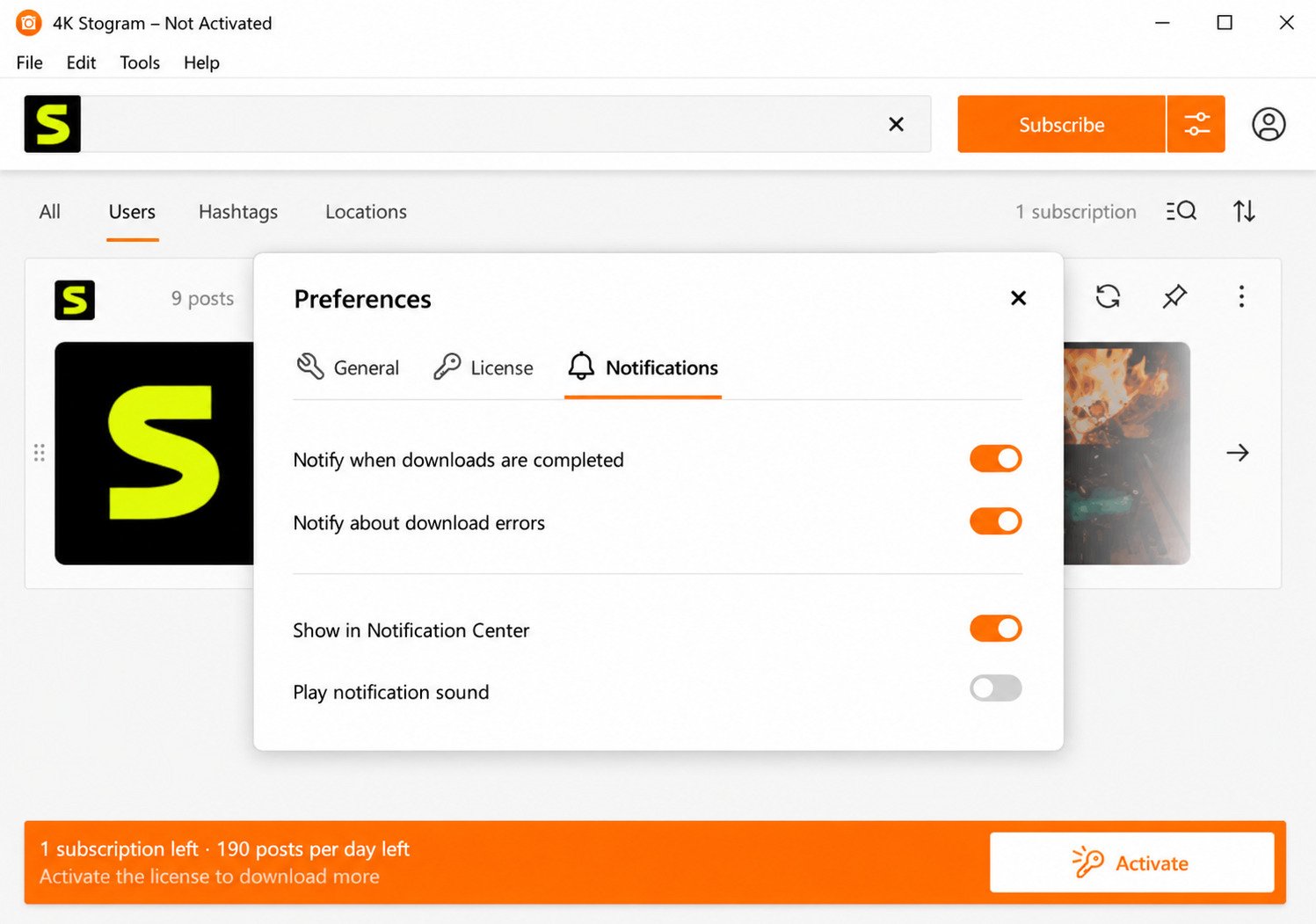
On first launch, choose a default download folder. A dedicated drive or folder with sufficient free storage is recommended if you plan to archive entire profiles or large collections.
 Download Interface
 Download Screen
 Free Download
How to Use 4K Stogram
Downloading a Profile or Individual Posts
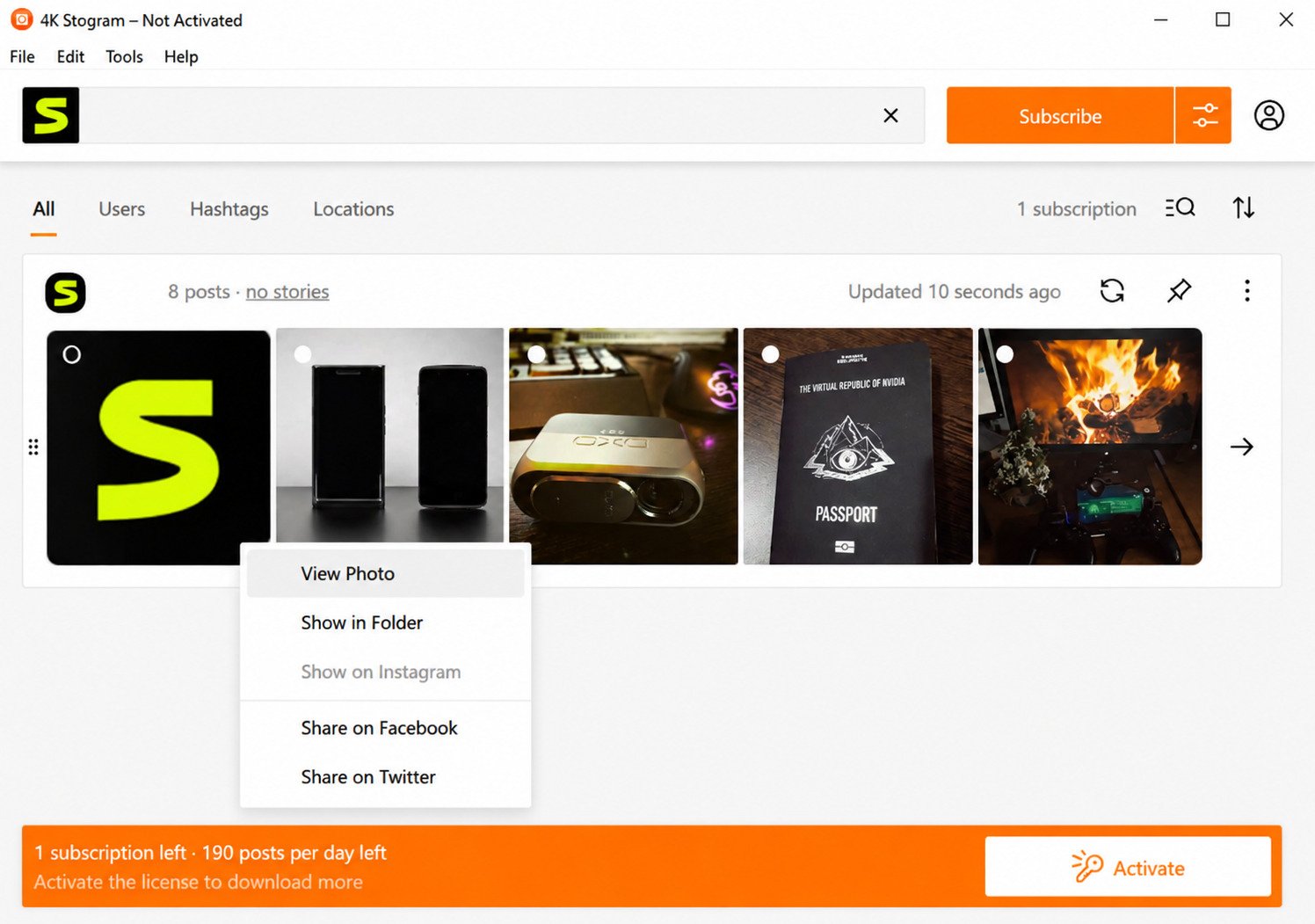
Enter the Instagram username into the search field, select the available profile or content, and start the download. The application queues the selected media and displays download progress.
Downloading Stories and Highlights
For Stories, the important factor is timing because active Stories can disappear. Highlights are persistent profile collections and can be organized separately when available.
Managing Multiple Accounts
You can organize multiple subscriptions and keep downloaded content separated by account. This is particularly useful for social media managers and researchers working with multiple public profiles.
Pausing, Resuming, and Updating Downloads
Large downloads can take time. Depending on the application’s supported functionality, downloads can be managed in batches rather than requiring every file to be handled individually.
Downloading Instagram Photos, Videos, and Reels
The basic workflow is straightforward: search the username → select the available content → choose a save location → start the download.
Photos can be organized by account within the selected download directory, making large archives easier to browse later.
Reels and other available videos can be downloaded through the same general workflow. Always make sure you have the appropriate rights to save, edit, redistribute, or publish downloaded material.
Downloading Instagram Stories
Stories are one of the trickiest content types because they are designed to disappear after a limited period. 4K Stogram’s ability to capture Stories depends on whether the content is available when the application checks the account.
One limitation worth knowing is that you generally cannot expect the application to retrieve a Story that had already expired before the application had an opportunity to access it.
Timing matters. If you need to archive Stories, subscribe to the account before the content you want to preserve expires.
Downloading Instagram Highlights
Highlights are curated Stories that users pin to their Instagram profiles. They are different from normal Stories because they can remain visible on a profile for a much longer period.
For archival purposes, Highlights can be useful because they often contain evergreen brand information, product demonstrations, frequently asked questions, travel memories, or other curated media.
4K Stogram Pricing: Free vs. Premium
Important: According to the information provided for this guide, 4K Stogram has been officially discontinued by its developer. The application may still be available for existing users, but new premium license purchases are no longer available.
| Feature | Free Version | Premium Existing License |
|---|---|---|
| Single photo/video downloads | Yes | Yes |
| Downloads per session | Limited | Unlimited |
| Account subscriptions | Limited | Unlimited |
| Story & Highlight downloads | Yes | Yes |
| Automatic background updates | No | Yes |
| Multiple simultaneous accounts | Limited | Unlimited |
| Ongoing support and updates | No | No |
| New premium license purchases | N/A | Not available |
If you’re discovering 4K Stogram for the first time today, you should not assume that premium access can still be purchased simply because older articles mention paid licenses.
Is 4K Stogram Safe and Legal to Use?
Is It Safe to Install?
The safest approach is to download software from the developer’s official distribution channel. Third-party download websites can sometimes modify legitimate installers or bundle unwanted software.
Does It Require Your Instagram Login?
Public content may not require you to authenticate. Accessing private content that you are already authorized to view may require an Instagram login or authenticated session.
As a general security practice, avoid entering your credentials into unofficial websites or modified applications.
Is 4K Stogram Legal to Use?
The legality depends heavily on what you download, who owns the content, and what you do with it afterward.
Downloading your own content for backup is generally straightforward. Saving another person’s public post for personal reference is different from republishing, selling, modifying, or claiming that content as your own.
Copyright ownership normally remains with the creator even after a file has been downloaded. Before republishing or commercially using downloaded material, make sure you have the appropriate rights or permission.
Common 4K Stogram Problems and Fixes
| Problem | Likely Cause | Possible Fix |
|---|---|---|
| Not downloading anything | Instagram changes, availability, or rate limitations | Wait, retry, and verify that the profile/content is accessible |
| Stories not saving | Story expired before the application checked | Subscribe earlier and monitor active Stories |
| Downloads extremely slow | Network limitations or service throttling | Check connection and reduce simultaneous downloads |
| Profile not found | Incorrect username or unavailable account | Double-check the username directly on Instagram |
| App keeps disconnecting | Authentication or session issue | Re-authenticate and check the application session |
Because discontinued software no longer receives active development, compatibility problems may become more common as Instagram changes its systems and infrastructure.
4K Stogram vs. Other Instagram Downloaders
Online tools such as SaveFromIns or SnapInsta can be convenient for a single quick download: paste a link, process the content, and save the resulting file.
4K Stogram’s historical advantage was bulk archiving. Instead of manually processing individual links, users could organize accounts and subscriptions and maintain larger local archives.
Instagram’s own Save functionality is different. It generally bookmarks content inside Instagram rather than giving you a permanent media file stored locally on your computer.
Best 4K Stogram Alternatives
SaveFromIns
Browser-based option for users looking for quick, no-install downloads.
SnapInsta
Convenient browser-focused option for quick Instagram media downloads.
Inflact
Marketing-oriented platform with tools beyond basic media downloading.
iTubeGo
Useful for users who also need broader media conversion functionality.
Advantages and Disadvantages of 4K Stogram
Advantages
- Native desktop apps across Windows, macOS, and Linux.
- Bulk and automatic downloading capabilities.
- Useful for maintaining local archives.
- Supports different Instagram content types.
- Simple desktop-focused interface.
Limitations
- Officially discontinued.
- No new updates or feature development.
- New premium license purchases are unavailable.
- Story downloads depend on timing.
- Long-term reliability is uncertain as Instagram changes.
Tips for Using 4K Stogram More Effectively
Frequently Asked Questions
It’s used to download and back up available Instagram photos, videos, Reels, Stories, and Highlights to your computer for offline access and archiving.
A free version exists with limitations. However, premium licenses are no longer available for new purchases if the discontinued status described above applies to the current distribution.
Use the official developer distribution source whenever possible. The discontinued status also means users should not expect future security, compatibility, or bug-fix updates.
It was designed to support various Instagram media types including Reels and Stories, although Stories depend heavily on whether they are still active and accessible when the application checks them.
No. The information covered in this guide indicates that the developer has discontinued the application, meaning users should not expect ongoing updates or new feature development.
Using it to archive your own content is generally much less problematic than redistributing someone else’s work. Copyright, permissions, and Instagram’s terms can apply depending on how downloaded material is used.
The best alternative depends on your use case. Browser tools can be convenient for occasional downloads, while users who need large-scale archiving should look for actively maintained desktop or archival solutions.
Final Thoughts
4K Stogram earned its reputation as one of the more capable Instagram archiving tools available for desktop users. Its ability to organize accounts, download different media types, and maintain local archives made it particularly useful for people who needed more than an occasional one-off download.
For users who already have a working installation or existing license, it can still be useful. The bulk downloading and desktop workflow remain its biggest strengths.
However, the most important consideration today is its discontinued status. There are no new feature developments, no expectation of ongoing compatibility improvements, and no new premium license purchases according to the information covered in this guide.
If you need long-term reliability, actively maintained alternatives are worth considering. Regardless of which tool you choose, always download and use Instagram content responsibly and respect the copyright and privacy rights of the original creator.
Need to Compare Instagram Downloaders?
Before choosing a downloader, compare its current support status, privacy practices, supported content types, and whether it is still actively maintained.
For more information about copyright and fair use, consult the U.S. Copyright Office’s fair-use guidance .
This article is intended for informational purposes. Always make sure you have the appropriate rights or permission before redistributing downloaded content.
One Response