HitmanPro: Malware Scanner, Safety, Legitimacy, How It Works, and Alternatives
You ran a full scan with your antivirus, and it came back clean. But something still feels off — your laptop fan spins for no reason, or a browser toolbar you never installed keeps popping up. That’s usually the moment people discover HitmanPro, a “second opinion” malware scanner built to catch what a primary antivirus might miss.
This guide covers exactly what HitmanPro is, whether it’s safe and legitimate, how it actually detects threats, and how it stacks up against alternatives like Malwarebytes — so you can decide if it belongs in your security toolkit.
What Is HitmanPro?
HitmanPro is a cloud-based malware scanner developed by Sophos, designed to run alongside your existing antivirus software rather than replace it. It scans for viruses, rootkits, spyware, and other hidden threats using multiple detection engines at once.
HitmanPro Malware Scanner Overview
Originally created by a Dutch company called SurfRight, HitmanPro was acquired by Sophos in 2015 and has been maintained under that brand ever since. It’s built for speed — most scans finish in just a few minutes because it doesn’t rely on a huge local virus database.
Instead, it checks suspicious files against cloud servers in real time, comparing them across several antivirus engines simultaneously. That’s the core idea behind the product: no single antivirus catches everything, so HitmanPro fills the gaps.
Is HitmanPro an Antivirus or a Second-Opinion Scanner?
HitmanPro is not a full antivirus replacement. It’s specifically designed as a second-opinion scanner that works alongside whatever antivirus you already have installed, without causing conflicts.
Think of it less like a full-time bodyguard and more like a specialist you call in when something seems wrong. It doesn’t run constant background protection the way a full antivirus suite does — that role belongs to its sibling product, HitmanPro.Alert.
What Types of Malware Can HitmanPro Detect?
HitmanPro is built to hunt down a wide range of threats, including ones that hide particularly well. According to Sophos, it clears up malware, viruses, trojans, worms, keyloggers, rootkits, trackers, and spyware.
Here’s a quick breakdown of what it targets:
| Threat Type | Why It’s Hard to Catch |
|---|---|
| Rootkits | Hide deep in the operating system, often before Windows fully loads |
| Trojans | Disguise themselves as legitimate software |
| Keyloggers | Run silently in the background, logging keystrokes |
| Spyware | Designed to avoid detection while harvesting data |
| Ransomware | Uses behavior patterns that signature scans can miss |
How Does HitmanPro Work?
HitmanPro’s approach is fundamentally different from a traditional antivirus, and that difference is exactly why it’s useful as a backup layer.
How HitmanPro Scans and Detects Malware
Rather than storing a massive database of virus signatures on your PC, HitmanPro sends behavioral data about suspicious files to the cloud. Those files are then checked against multiple antivirus engines at once, which speeds up scanning and reduces the load on your system.
Cloud-Based Malware Detection Technology
This cloud-first design means HitmanPro doesn’t need constant, heavy updates downloaded to your device. The detection intelligence lives on Sophos’s servers, and newer threats can be identified almost as soon as they’re flagged anywhere in that network.
Direct answer: HitmanPro detects malware by combining behavioral analysis with cloud-based, multi-engine scanning rather than relying only on locally stored virus signatures.
How HitmanPro Identifies Suspicious Files
The scanner looks at how a file behaves — where it’s located, how it was installed, whether it tries to hide itself — rather than just matching it against a known list. Sophos also layers in deep learning technology to catch zero-day threats, meaning malware that hasn’t been publicly documented yet.
How to Use HitmanPro
Getting started doesn’t require much technical know-how, which is part of why it’s popular with everyday users.
How to Download and Install HitmanPro
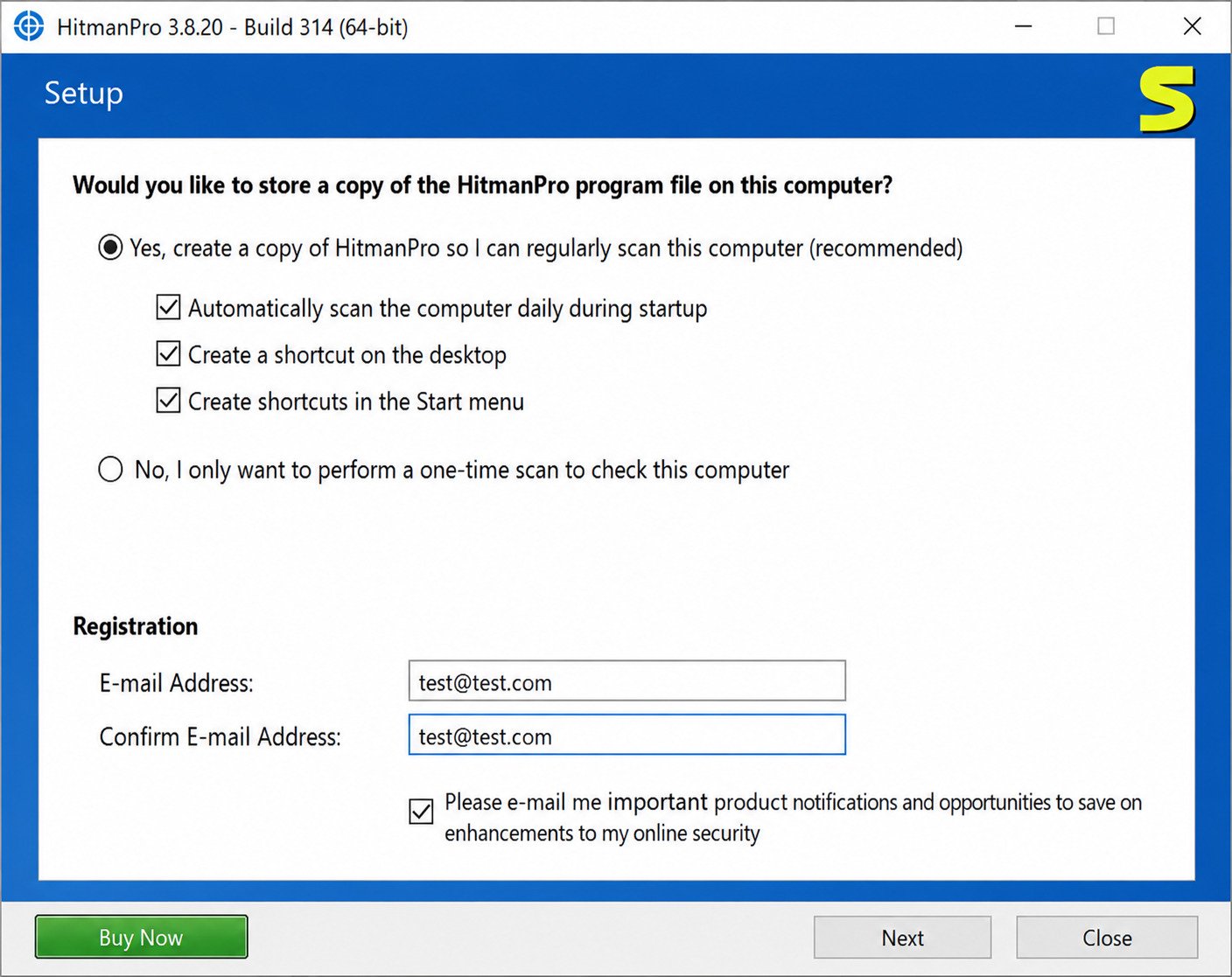
You can download HitmanPro directly from the official Sophos website. Notably, it does not require pre-installation to scan your system, so you can run it as a portable tool if you prefer.
How to Run a Malware Scan
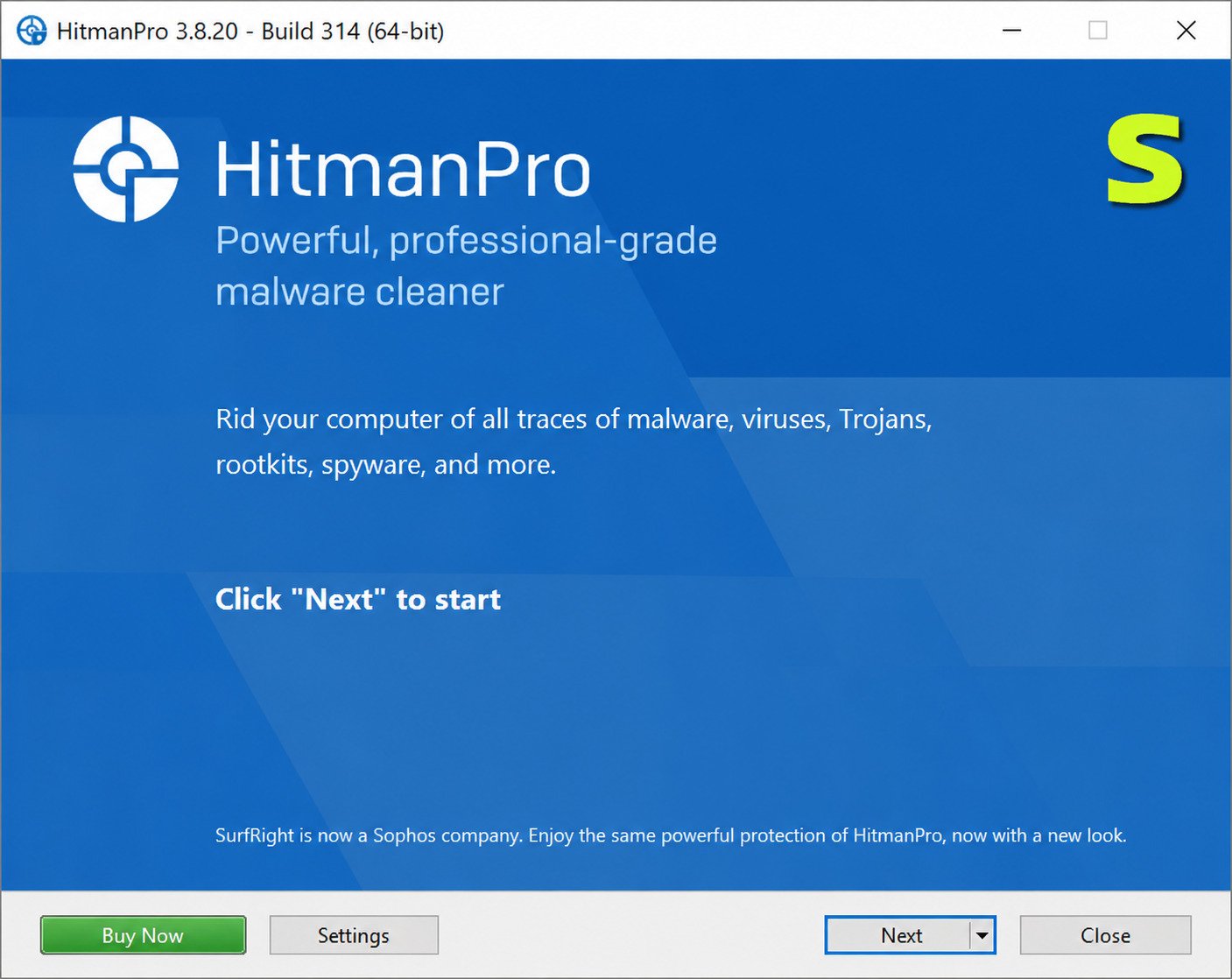
- Launch the HitmanPro executable (installed or portable).
- Click Next to begin the automatic scan.
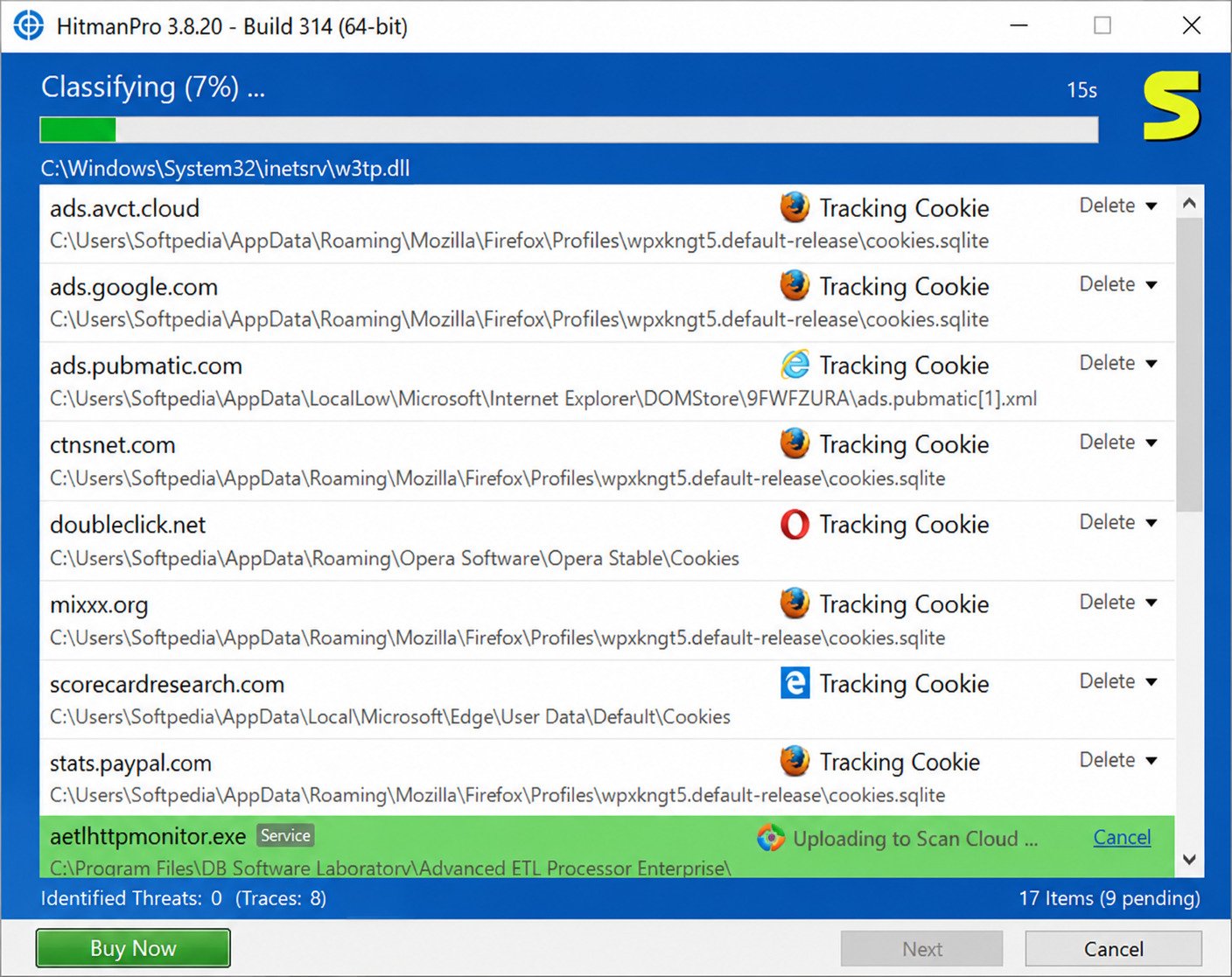
- Let the scan run — it typically completes in a few minutes.
- Review the list of detected items once scanning finishes.
How to Remove Detected Threats
After the scan, HitmanPro shows you exactly what it found and lets you choose what to remove. During the trial period or with an active license, you can quarantine or delete confirmed threats directly from the results screen.
Is HitmanPro Safe?
This is one of the most common questions people ask before downloading any security tool — and it’s a fair one.
Is HitmanPro Safe to Download and Use?
Yes, HitmanPro is safe when downloaded from the official Sophos website. It’s developed by an established, publicly recognized cybersecurity company, not an anonymous or unverified publisher.
Can HitmanPro Delete Legitimate Files?
Like most malware scanners, HitmanPro can occasionally flag a legitimate file as suspicious — this is called a false positive. It’s rare, but it’s exactly why reviewing the scan results before removing anything matters.
Watch out: Third-party download sites sometimes bundle security software with unwanted extras or outdated versions. Always download HitmanPro from hitmanpro.com or the official Sophos domain to guarantee you’re getting the genuine, unaltered installer.
Is HitmanPro Legit?
Legitimacy usually comes down to who’s behind the software and how long they’ve been in business.
Who Owns and Develops HitmanPro?
HitmanPro is owned and developed by Sophos, a well-known cybersecurity company that also protects large enterprise networks. Sophos states it protects over 400,000 organizations in over 150 countries from advanced threats.
Is HitmanPro a Trusted Malware Removal Tool?
Yes. The product has been actively maintained and developed since its original 2008 release under SurfRight, and it’s been part of Sophos’s security lineup for nearly a decade. That’s a long track record for a security tool to survive on trust alone.
Is HitmanPro a Scam?
No, HitmanPro is not a scam. It’s a legitimate commercial product with transparent pricing, a genuine free trial, and a real company standing behind it.
HitmanPro False Positives
False positives are an unavoidable part of malware scanning, and understanding them helps you use the tool more confidently.
What Is a HitmanPro False Positive?
A false positive happens when the scanner flags a completely safe file as malicious. It’s usually caused by a file exhibiting behavior that resembles malware, even though its actual purpose is harmless.
Why Does HitmanPro Flag Safe Files?
Because HitmanPro relies heavily on behavioral analysis rather than just fixed signatures, it can be a little more cautious than traditional antivirus tools. That sensitivity is a trade-off: it catches more hidden threats, but occasionally over-flags unusual yet legitimate software.
What Should You Do Before Removing a Detected File?
- Search the exact file name online to check if others have reported it as safe.
- Avoid removing files tied to software you recently and intentionally installed.
- Submit the file to Sophos as a suspected false positive if you’re unsure.
- When in doubt, quarantine rather than permanently delete.
HitmanPro Malware Scanner and Removal
Detection is only half the job — removal is where the tool proves its actual value.
HitmanPro Malware Removal Features
Once a scan is complete, HitmanPro allows you to remove, quarantine, or restore flagged items with a single click. It also includes a Kickstart option designed to remove malware that loads before Windows even starts.
HitmanPro Virus Removal Capabilities
Beyond standard viruses, HitmanPro is particularly effective against persistent infections that survive regular reboots. Its cloud-based cross-checking helps confirm whether a detected virus is truly malicious before removal.
Spyware, Adware, Trojans, and Other Threat Detection
HitmanPro’s engine covers a broad spread of threat categories, including adware, browser hijackers, and tracking cookies, alongside more serious infections like trojans and rootkits. This range makes it a genuinely useful cleanup tool after a suspected infection.
HitmanPro Download and Free Trial
Pricing and trial terms matter just as much as features when you’re deciding whether to commit to a tool.
HitmanPro Download
The official download is available directly from hitmanpro.com, and it supports Windows 7 through Windows 11 in both 32-bit and 64-bit versions.
HitmanPro Free Download and Free Trial
HitmanPro offers a 30-day free trial to test the product’s capabilities. During this period, you get full access to scanning and removal features at no cost.
What Happens After the HitmanPro Trial Ends?
Once the trial expires, free scanning continues, but removal requires a license. In other words, HitmanPro will still tell you what it finds — you just need to purchase a license to actually clean it up.
HitmanPro License, Activation, and Product Key
Once you’ve decided HitmanPro is worth keeping, activation is straightforward.
How to Activate HitmanPro
Open the application, go to the licensing or activation section, and enter your purchased product key. The software will verify it online and unlock full removal capabilities immediately.
How to Use a HitmanPro Product Key
Your product key typically arrives by email after purchase. Copy it exactly as provided (avoiding extra spaces) and paste it into the activation field within the app.
HitmanPro License Options
| License Type | Best For |
|---|---|
| Single Device (1-Year) | Home users protecting one PC |
| Multi-Device Packs | Families or small offices with several PCs |
| Business / Sophos Integration | Organizations needing centralized management |
HitmanPro Review
A few years of consistent development and a clear feature set make HitmanPro worth a closer look.
HitmanPro Features and Benefits
- Fast, lightweight scanning that won’t bog down your system
- Portable option — no installation required
- Cloud-based multi-engine detection
- Effective rootkit and persistent malware removal
- Works alongside your existing antivirus without conflict
HitmanPro Detection Accuracy and Performance
Because it cross-references multiple antivirus engines in the cloud, HitmanPro tends to catch threats that a single-engine scanner might overlook. Scan times are notably quick, generally wrapping up in just a few minutes on an average system.
HitmanPro Pros and Cons
Pros
- Excellent as a second-opinion scanner
- Fast, cloud-powered scans
- Portable, no-install option available
- Backed by an established company (Sophos)
Cons
- Not a full-time real-time antivirus on its own
- Free tier only detects — doesn’t remove
- Occasional false positives
- Lacks some independent lab certifications
HitmanPro vs Malwarebytes
These two tools get compared constantly, mostly because people use them for similar cleanup situations.
Malware Detection and Removal Comparison
Both tools are strong at removing stubborn infections, but they approach detection differently. HitmanPro leans on cloud-based, multi-engine scanning, while Malwarebytes relies more on its own dedicated signature and heuristic database.
Real-Time Protection vs On-Demand Scanning
Malwarebytes offers a more robust real-time protection tier in its paid version, aimed at continuous defense. HitmanPro’s core product is more focused on on-demand, second-opinion scanning, with real-time defense handled by its separate HitmanPro.Alert product.
Which Is Better: HitmanPro or Malwarebytes?
Neither is universally “better” — they serve slightly different roles. Malwarebytes works well as a standalone daily-use security layer, while HitmanPro shines as a fast cleanup and verification tool used alongside another antivirus.
HitmanPro Alternatives
If HitmanPro doesn’t quite match what you need, a few solid alternatives are worth considering.
Best Alternatives to HitmanPro
- Malwarebytes — Strong standalone malware removal with real-time protection options.
- Sophos Home Free — Sophos’s own free consumer scanner, built on similar cloud detection technology.
- Kaspersky Virus Removal Tool — A portable, signature-based scanner favored for cleaning already-infected machines.
Free HitmanPro Alternatives
If budget is the main concern, Sophos Home Free and Malwarebytes’ free scanner both offer no-cost malware detection, though removal features may be limited compared to paid tiers.
How to Choose the Best Malware Scanner Alternative
- Decide whether you need real-time protection or just periodic scanning.
- Check whether the tool runs alongside your current antivirus without conflicts.
- Compare free-tier limitations before committing to a paid license.
- Prioritize tools from established security vendors with a public track record.
HitmanPro.Alert Download
This is where people often get confused, since the naming is so similar to the base product.
What Is HitmanPro.Alert?
HitmanPro.Alert is a separate, more advanced product focused on real-time exploit and ransomware protection, rather than on-demand scanning. It’s designed to stop attacks as they happen, not just clean up after the fact.
HitmanPro vs HitmanPro.Alert
| Feature | HitmanPro | HitmanPro.Alert |
|---|---|---|
| Protection Type | On-demand scanning | Real-time exploit/ransomware defense |
| Best Used As | Second-opinion cleanup tool | Continuous protection layer |
| Business Integration | Standalone or with Sophos tools | Part of Sophos Intercept X |
How to Download HitmanPro.Alert Safely
Just like the base product, always download HitmanPro.Alert directly from the official Sophos or hitmanpro.com website to avoid third-party bundling risks.
If you’re setting up a broader security routine on Windows, pairing a scanner like this with a firewall management tool such as the one covered in this DefenderUI guide can give you tighter control over your system’s built-in protections.
For readers who want independent, lab-tested comparisons of malware scanners, resources from trusted organizations like AV-TEST offer reliable, third-party benchmark data.
Frequently Asked Questions About HitmanPro
Yes, it’s developed by Sophos, a well-established cybersecurity company, and it’s safe when downloaded from the official website.
Scanning is free after the 30-day trial, but removing detected threats requires a paid license.
It uses cloud-based, multi-engine scanning combined with behavioral analysis to detect malware other tools might miss.
Download it, run the scan, review the results, and remove or quarantine any confirmed threats.
Occasionally, yes — its behavior-based detection can flag unusual but harmless files, so it’s worth double-checking before removal.
Malwarebytes and Sophos Home Free are the two most commonly recommended alternatives, depending on whether you want real-time protection or free on-demand scanning.
Final Thoughts
Nobody wants to feel unsure about whether their computer is truly clean, and that uncertainty is exactly the gap HitmanPro was built to close. It won’t replace your everyday antivirus, but as a fast, cloud-powered second opinion, it consistently catches things other tools miss.
If you’ve ever had that nagging feeling that something isn’t quite right with your PC, running a quick HitmanPro scan is a low-effort way to find out for sure. Worst case, it confirms you’re clean; best case, it catches something before it becomes a much bigger problem.